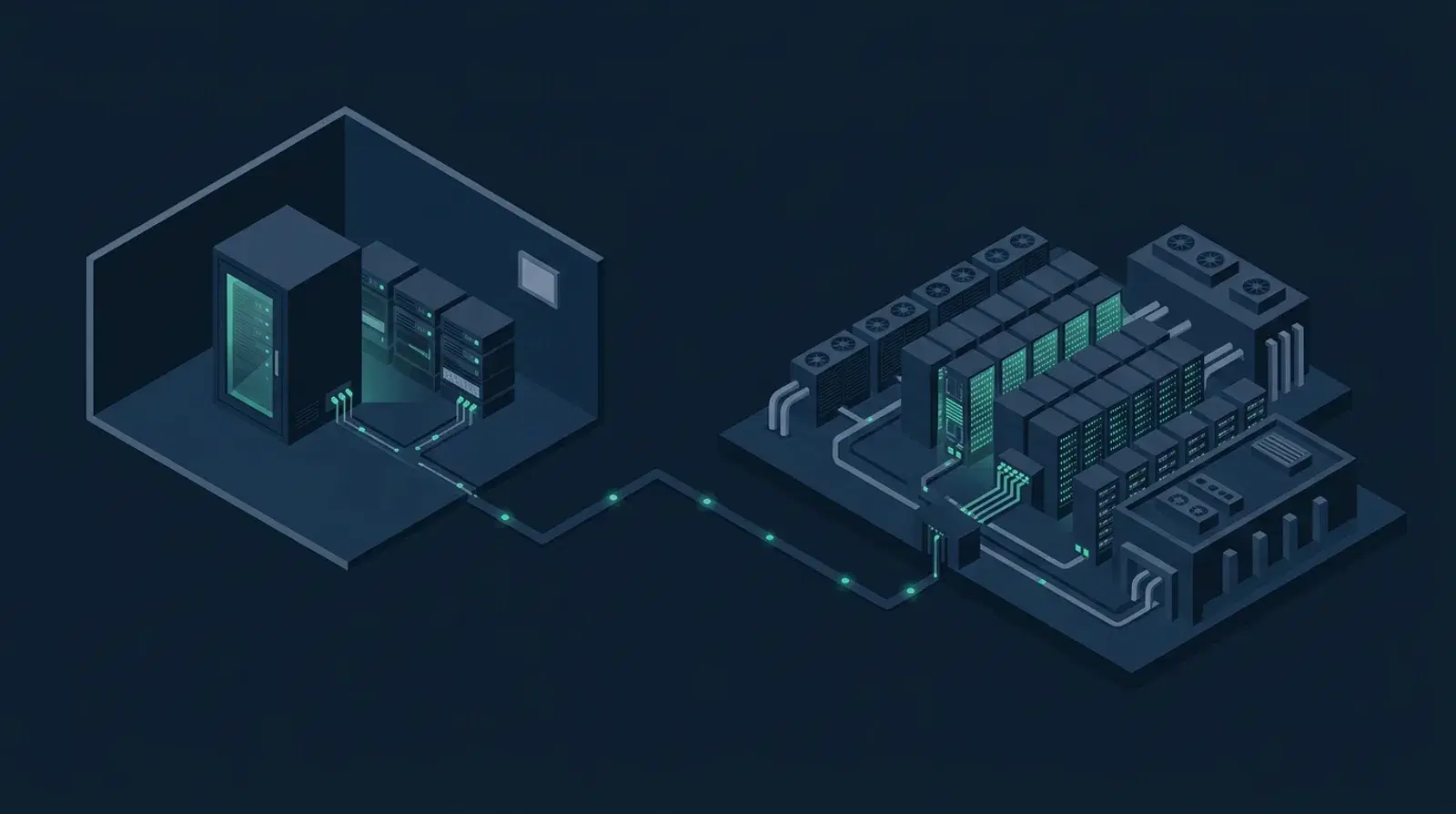
On-premises AI runs language models on hardware physically located inside your firm's own network. Cloud AI sends your text to a provider's infrastructure, processes it there, and returns a result. For most industries the choice is about cost and convenience. For Australian law firms it is also about whether confidential and privileged material leaves the building — which is why the NSW Supreme Court's Practice Note SC Gen 23 puts the onus on practitioners to be satisfied that certain material stays within a controlled environment before it is entered into any generative AI program.
What is actually different between them?
The distinction that matters is not where a server sits. It is what a firm can verify versus what it must trust.
With cloud AI, the protections are contractual. A reputable enterprise provider will commit not to train on your data, will offer retention controls, and may offer regional data residency. Those commitments are usually honoured. But the firm's assurance rests on the agreement, the provider's internal controls, and their continued compliance — none of which the firm can inspect directly.
With on-premises inference, the protection is architectural. The model runs on a machine on your network. Verifying that nothing leaves is a network-monitoring exercise your own IT team can perform. In the LegalBox configuration, zero network egress is the default state rather than a setting, and it can be confirmed by pulling the cable and watching the system continue to work.
Both can be appropriate. They fail differently, and that is the useful frame: a cloud arrangement fails through contractual change, provider breach or jurisdictional compulsion; an on-premises arrangement fails through your own security and maintenance.
How do they compare?
| On-premises | Cloud AI | |
|---|---|---|
| Where data goes | Stays inside your network | Leaves for the provider's infrastructure |
| Assurance type | Verifiable by inspection | Contractual |
| Cost structure | Capital purchase, then largely fixed | Per-seat and/or per-token, ongoing |
| Cost at scale | Flat as usage grows | Rises with usage |
| Model capability | Capable open models, generally behind the frontier | Access to the largest frontier models |
| Setup | Hardware provisioning and configuration | Sign up and go |
| Maintenance | Yours (or your vendor's) | Provider's |
| Cross-border exposure | None | Depends on region and provider |
| Offline operation | Works | Does not |
| Upgrades | Deliberate, when you choose | Automatic, sometimes unannounced |
That last row is underrated. A cloud model can change beneath you, altering behaviour on workflows your firm has come to rely on. An on-premises model changes when you decide it does.
What is the compliance picture?
Three obligations bear on this, and they stack.
Privilege and confidentiality. SC Gen 23 warns that data entered into a generative AI program may be used to train the underlying model, potentially exposing confidential information and affecting legal professional privilege. It requires practitioners to be satisfied that restricted material remains in the provider's controlled environment — not made public, used only for the proceeding, and not used to train the model. The Federal Court has its own GPN-AI practice note. We cover this in detail in legal professional privilege and public AI tools.
Privacy Act obligations. The OAIC's AI product guidance confirms that privacy obligations apply to personal information entered into an AI system, not only to its outputs. Matter files are dense with personal and often sensitive information.
Cross-border disclosure. Under APP 8 and s 16C, a firm disclosing personal information to an overseas recipient must take reasonable steps to ensure the recipient does not breach the APPs — and remains accountable for breaches by that recipient. Australian-region cloud deployment narrows this; on-premises removes it.
For context on the threat environment rather than AI specifically: the OAIC recorded 1,205 breach notifications in 2025, with legal, accounting and management services among the top five sectors at 81 notifications.
Where does each one genuinely win?
Cloud AI is the better answer when the work involves no confidential material — general legal research, learning the technology, drafting marketing content. It is also better when you need frontier-model capability for genuinely hard reasoning, when usage is low or highly variable, or when the firm has no IT capacity to speak of. And it is the right starting point for a firm that does not yet know what it wants from AI: the cost of finding out is a monthly subscription rather than a capital purchase.
On-premises is the better answer when privileged and confidential matter files are the input — which, for most practising firms, is where the actual value is. It wins on cost once usage is heavy and sustained, because the marginal cost of a query is electricity rather than tokens. It wins where clients impose contractual data-handling requirements, which is increasingly common for government and institutional work. And it wins where the firm needs to demonstrate its data handling rather than describe it — in a tender response, a client audit, or a professional indemnity conversation.
What are the honest downsides of on-premises?
Four, and any vendor who does not name them is selling rather than advising.
Capability ceiling. Models that run on a single appliance are smaller than the largest frontier systems. For summarisation, extraction, clause comparison, drafting against firm precedents and cited question-answering over your own documents, current open models are genuinely capable. For the hardest novel reasoning, the frontier is still ahead.
Capital cost. You buy hardware. The demonstration configuration we run is a GMKtec EVO X2 with an AMD Ryzen AI Max+ 395 and 128 GB of unified memory — a unit that fits in a comms cabinet and runs capable models at usable speed. It is a purchase, not a subscription, and the economics only favour it if usage is real.
Maintenance. Someone has to patch, monitor and eventually upgrade it. Small firms without IT support should factor this in properly rather than assume it away.
You own the security. Moving data on-premises does not make it safe; it makes it your responsibility. A poorly secured internal appliance is not obviously better than a well-run cloud service. The advantage is control, and control is only an advantage if exercised.
How should a firm decide?
Sort your work by what goes into the tool, not by which tool you like.
If the answer is "public information and general research", cloud is fine and cheaper. If it is "client matter files, briefs, advices, anything privileged", the question becomes whether you can satisfy yourself the material stays in a controlled environment — and for many firms the simplest way to satisfy that test is for the material never to leave.
Most firms will end up running both, and that is a sound outcome rather than a compromise: cloud for the general, on-premises for the confidential, with a written policy telling practitioners which is which. The failure mode is not choosing one — it is having no policy at all while practitioners quietly paste briefs into whatever is open in another tab.
Want to see the on-premises version?
If your firm handles privileged material and you want to see what a verifiable boundary actually looks like, it is worth twenty minutes. Book a discovery call and we will walk through LegalBox — models running inside your network, on hardware you own, with zero egress your own IT team can confirm.
Sources
- Supreme Court of New South Wales, Practice Note SC Gen 23 (in effect 3 February 2025)
- Federal Court of Australia, Practice Note GPN-AI
- Law Council of Australia, Artificial Intelligence and the Legal Profession
- OAIC, Guidance on privacy and the use of commercially available AI products
- OAIC, APP 8: Cross-border disclosure of personal information
- OAIC, Data breach notifications increase to all-time high in 2025
This article is general information about technology choices, not legal advice. Hardware specifications describe our current demonstration configuration and are subject to change.